The 5DS R became my main camera the instant I got my hands on it. Honestly, I thought that it will somehow augment either the 7D Mark II or the 5D Mark III as a high-res landscape camera, while one of those will remain my wildlife camera. I was wrong.
The 5DS R has so many seductive qualities that I tend to forget all its shortcomings and difficulties (more on those later).
Colors are bold and thanks to the anti-aliasing cancellation filter it can produce lovely crisp images. Such as the following one.

A moment before diving
It was taken in early morning light with the Canon 500/4 IS II lens and the 1.4x III teleconverter. It’s a moderate crop of about 26 megapixels – still enough for a 40×60 cm print. Yes, you can crop the hell out of these files, and still retain a huge amount of details due to the lack of AA filtering.
Some of my former grebe images are 6-8 megapixels from the 1D Mark II… So its a huge increase in usage flexibility.
Of course those huge files have a few consequences you have to live with. First, the 5DS R feels like a medium format camera. From the sound of the mirror to the time it needs to display an image on the LCD. It feels like you travel a decade back in time… Press the play button and wait… Also I haven’t experienced buffer full issues since the 1D Mark II – but run into that quite a lot even using 1066x Lexar CF cards.
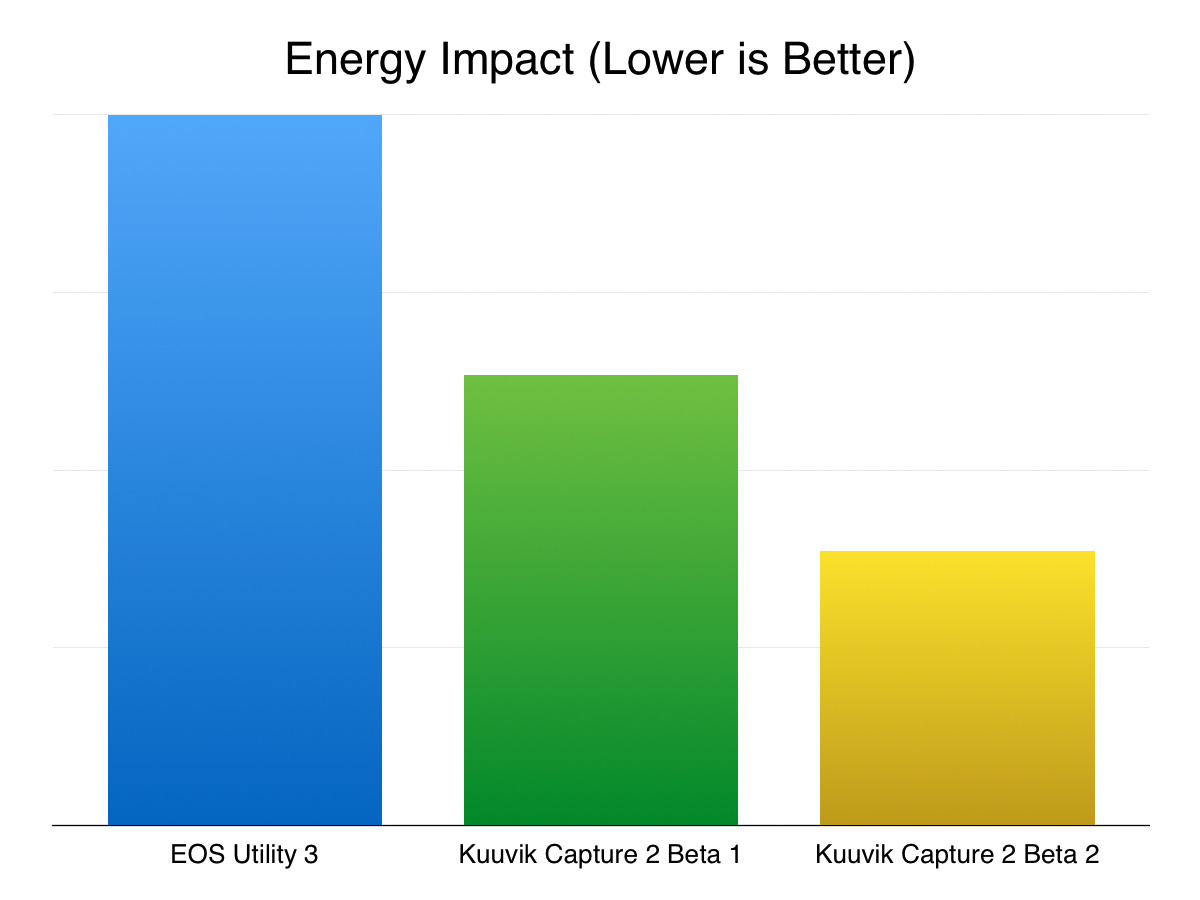
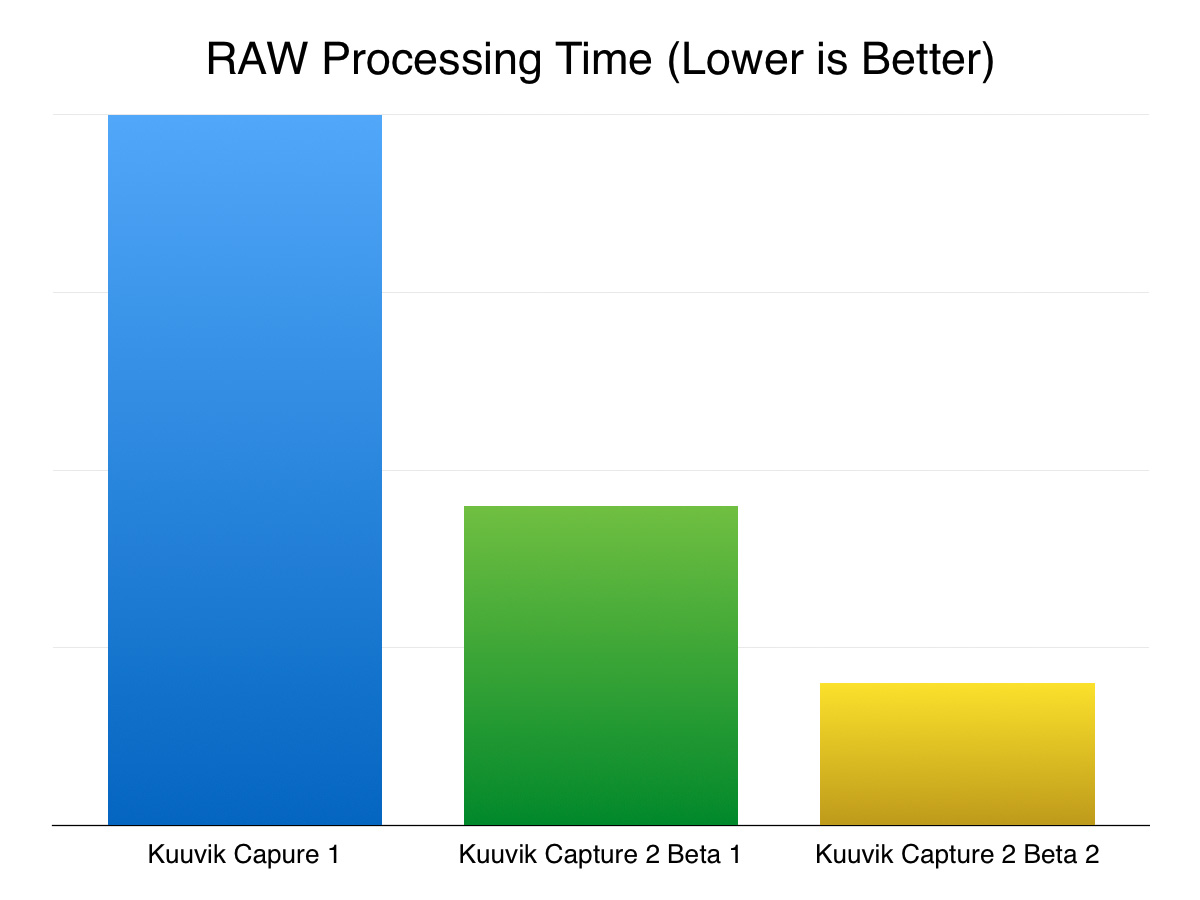
You also need more time to cull a shoot. Fortunately I have an app for that: with Kuuvik Capture 2 I can sift the daily crop of 1500-2000 images pretty quickly. An old friend of mine was sitting besides me last morning and was surprised how fast the app deals with 50 MP files (and this was on a 1.4GHz 11″ MacBook Air I use as a field computer).
The next one is cropped from the sides for the rectangular composition. Same lens and converter combo. I stop down to f/6.3 with this combination, which is a bit below the f/6.7 diffraction limit of the camera. So unlike landscapes, one doesn’t have to deal with the depth of field versus diffraction issues here.
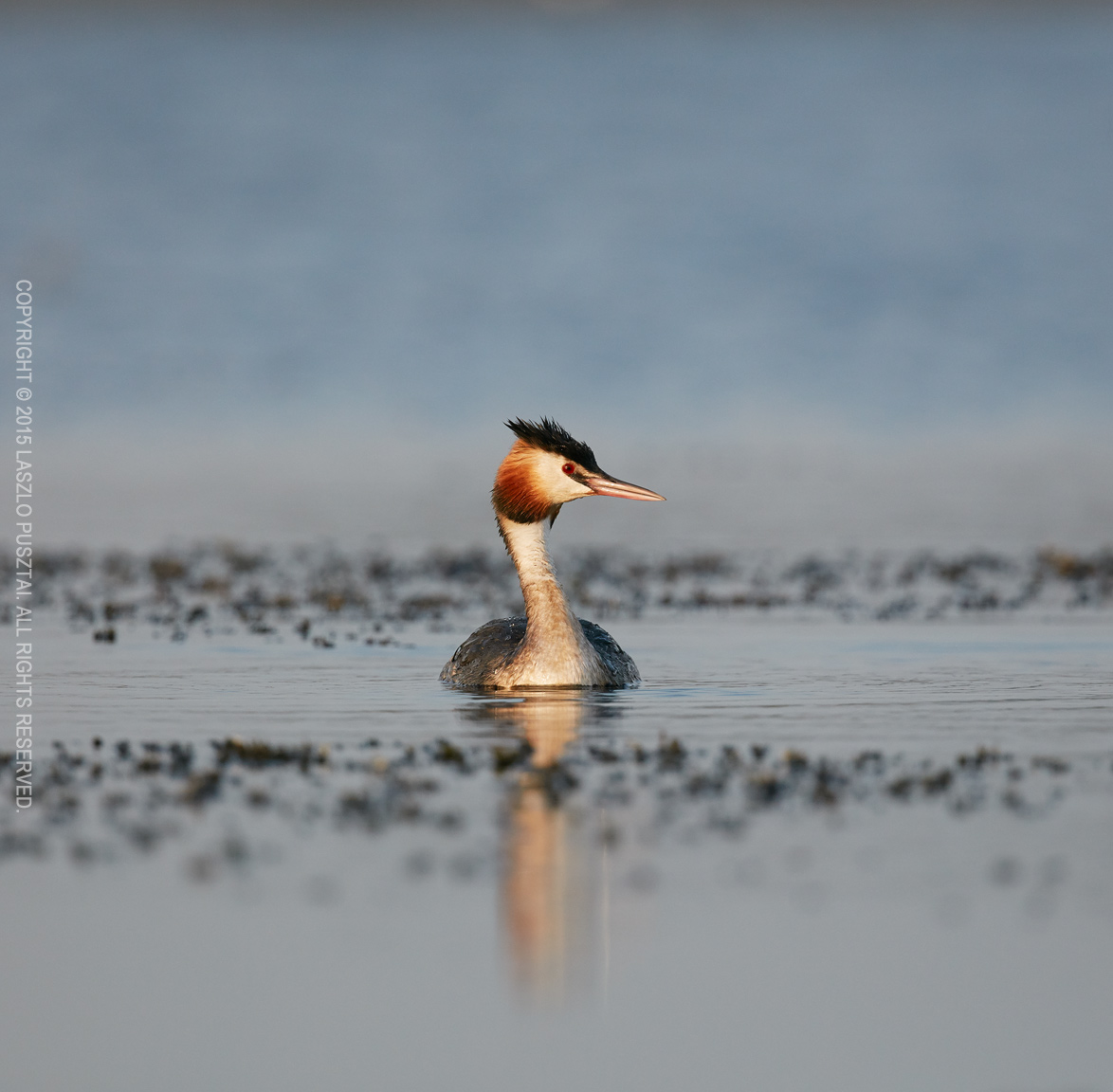
Curious visitor
Surprisingly, I found ISO 800 images a bit sharper than ISO 400 ones, so all of these were made on 800. I’ll have to investigate this further before I can draw serious conclusions. But until then, ISO 800 seems to be perfectly usable with no need for extra noise reduction.
The images in this post are the tranquil ones (the action shots are saved for another post). The 5 fps maximum speed turned out to be usable with a little anticipation of what’s going to happen (which also helps your photographs and in the understanding of the behavior of the species you are photographing). But for fast paced action I still reach for the 7D Mark II.
I tend to like to include a bit of the bird’s habitat in my images (maybe I should call them birdscapes), for which the full frame sensor is a real boon. And I can crop the surroundings away if a tight composition is what I’m after.
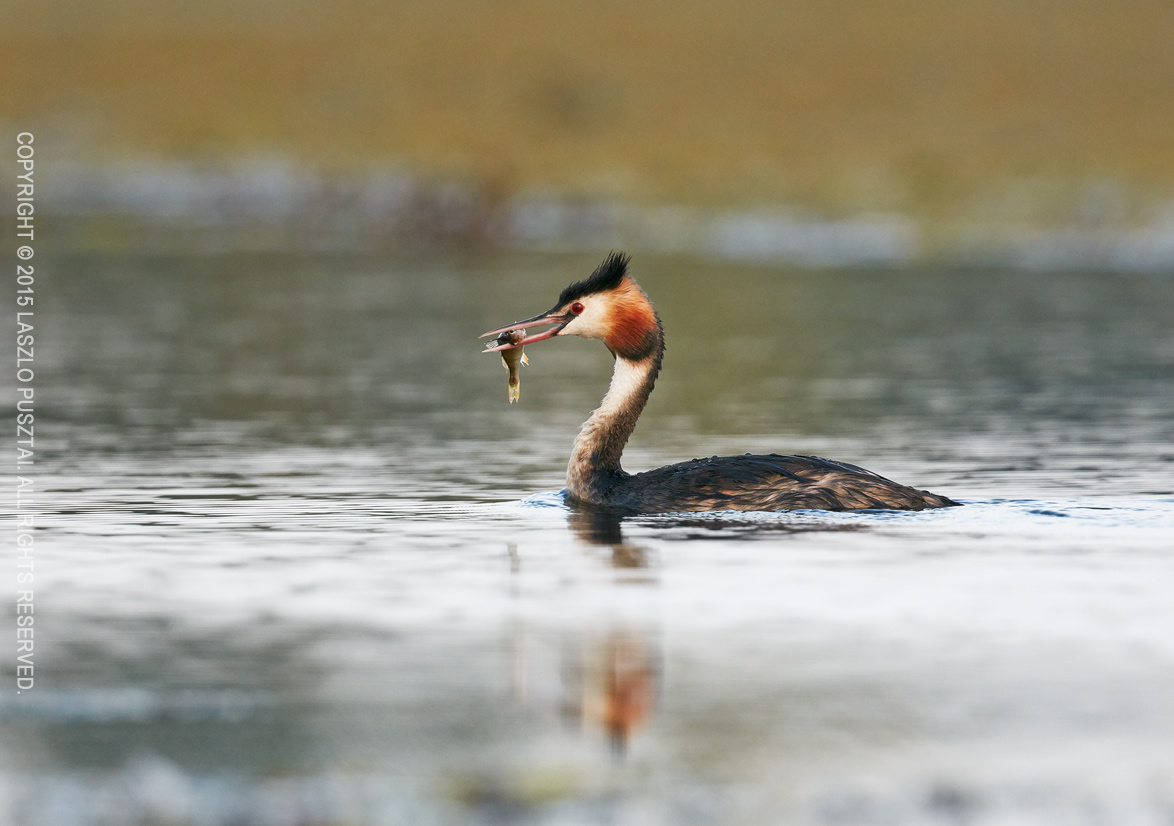
Breakfast for the nestlings
AF is superb. The best I’ve ever found on a Canon camera (excluding the 1D X, because of it’s faster focus driving speed). The only thing I miss is the AF mode selection lever of the 7D Mark II. I find myself reaching for the lever and cursing who’s responsible for this omission quite often.
A hot topic is the dynamic range of current Canon sensors. Well, while sometimes I would need more (maybe a handful of times during the last 12 years), what the 5DS R offers usually pretty much enough. Especially that I print my images where I have just 6 or 7 stops, and usually expose my images properly with no need to recover from the shadows. Also I like to utilize clipped highlights and shadows as artistic tools… So I’m not complaining on this front.

Good night!
As you may already think, I really like the 5DS R. It’s not the absolute fastest and the most suitable camera for bird photography, but those limitations are igniting my creativity and are not in the way of image making. It’s an exceptional tool for making the kind of photographs I have in mind.