The biggest update to my Mark II Artist’s Viewfinder app since its introduction three years ago is around the corner, so I’m going to post quite a lot about the new features. Let’s start with what I consider the most important: black & white mode.
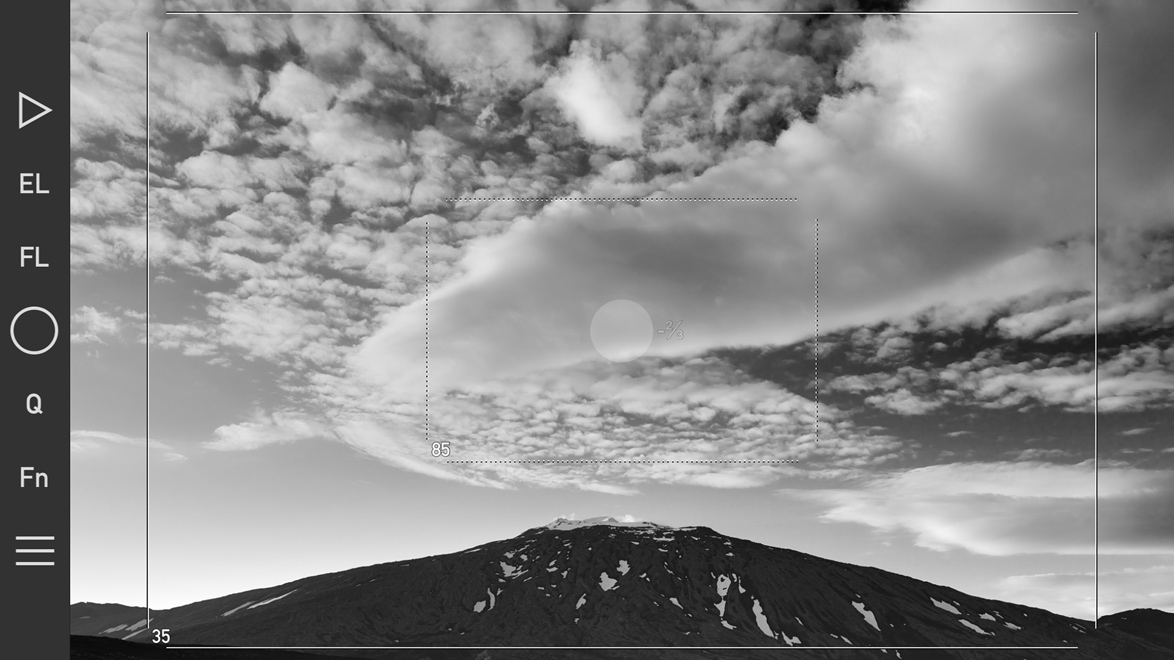
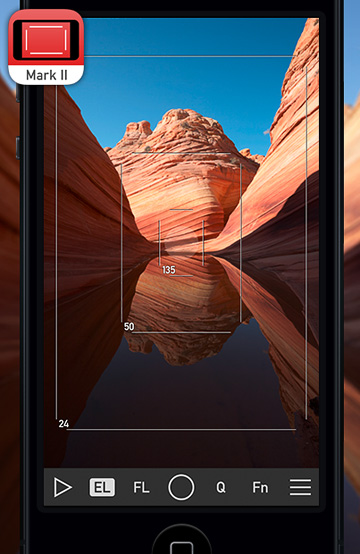
The new black & white mode and exposure compensation in action. Click the image for larger view.
Luminance only black & white
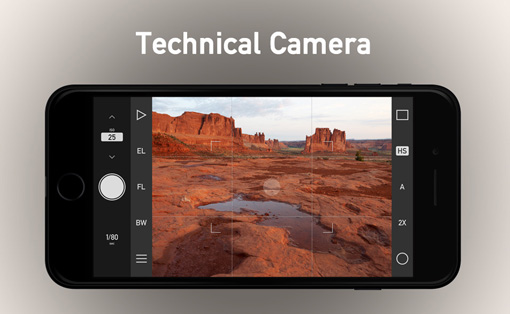
The ability to view in black & white was the single most requested feature – so here it comes. It works by showing luminance information from the scene (just like when you convert to Lab in Photoshop and turn off the a and b channels leaving just L). There’s a new button on the Quick Control Screen to switch it on or off, and of course you can assign this function to the Fn Key (or to the EL/FL override). It’s that simple. But there’s more… The app now applies both the black & white conversion filter and wide converter distortion correction to the saved high resolution JPGs, not just to the preview image!
Exposure compensation
Since day one there was the EL key to cope with difficult lighting conditions, but now you can also set exposure compensation. Tap the main screen until the number right to the AF/AE point lights up, and then slide your finder up and down to set the actual compensation. You can set it in third stop increments. When you finished, the compensation number on the screen will become transparent. To quickly reset compensation back to 0, press and hold the screen for a second.
— ooo —
This is just two of the 18 new features version 5.0 will bring to the table – more on the remaining 16 in later posts :)
When and for how much?
Version 5.0 will be released soon. It’s feature complete at the moment, but needs to pass testing, validation and Apple’s review. It will be a free update for existing Mark II Artist’s Viewfinder users! But with the release we’ll increase the price slightly, so it’s worth buying it now and get the free update later on.