Kuuvik Capture 3.1 Released

Version 3.1 of my Kuuvik Capture tethering app is available on the Mac App Store. Along the usual addition of new cameras (the 77D / 9000D and 800D / Rebel T7i / Kiss X9i this time), this version brings support for movie recording on the 6D and 80D, and extends multi-point live view support to the 80D.

But there’s one more thing. Well, actually two.

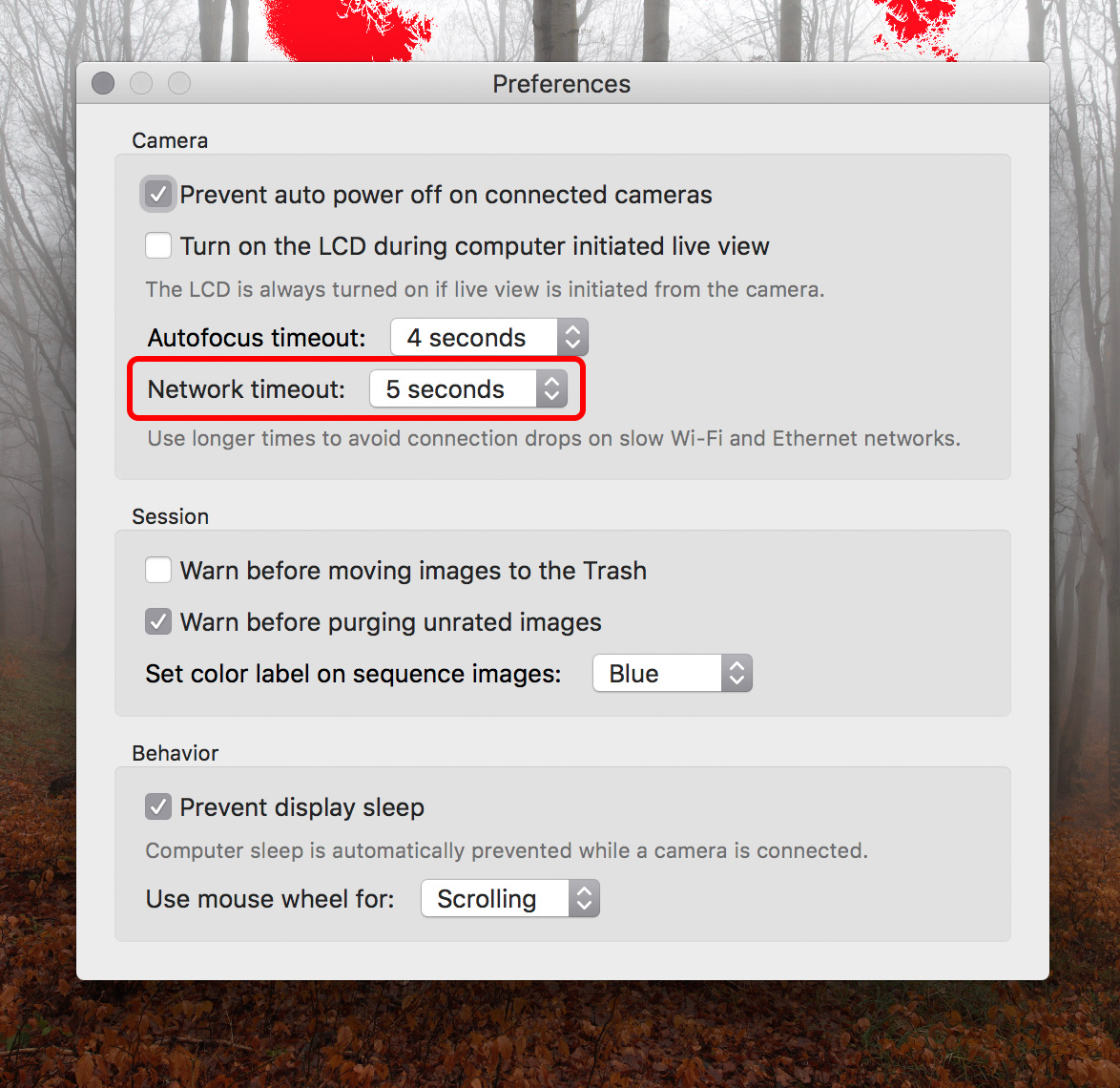
The Preferences window is now tabbed to make it smaller vertically. This is needed to fit it on smaller screens (such as the 12″ MacBook).

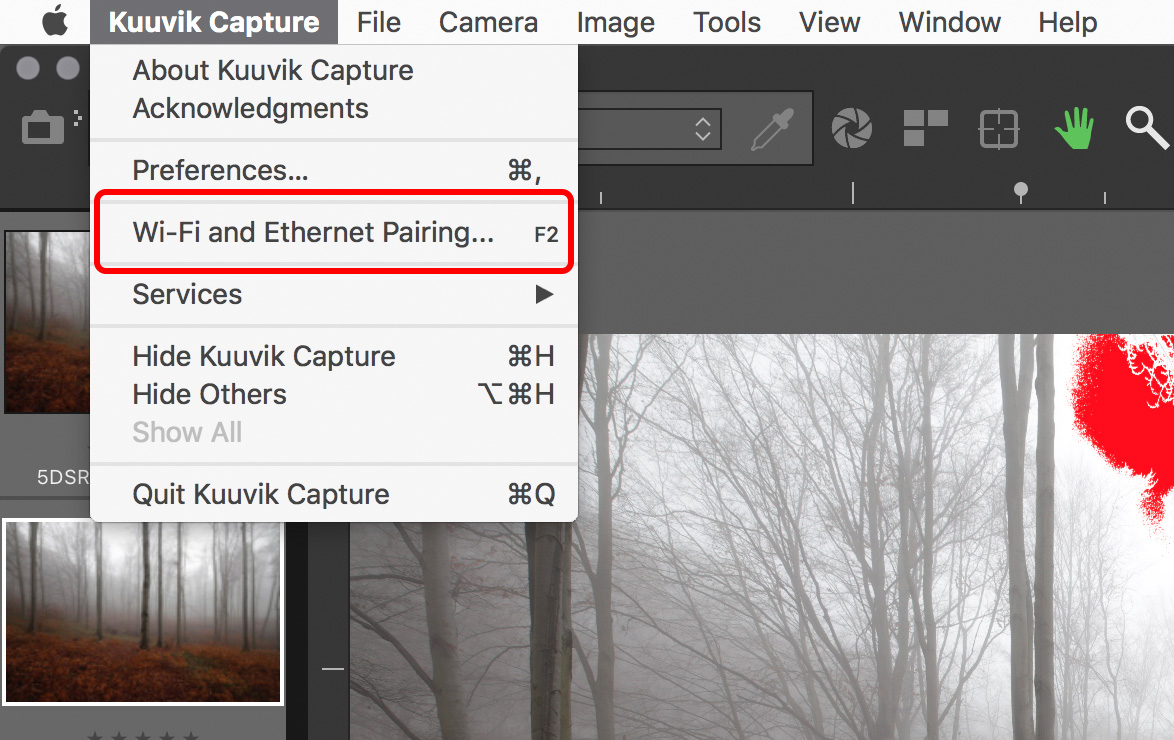
And the app has a new function, with an accompanying preference. Synchronize date/time with the Mac will set the date, the time, and the time zone (on cameras that can handle it) of the camera to match your Mac’s each time a connection to Kuuvik Capture is made. If you were fed up with Canon’s awkward time zone naming (the same city name could refer to different time zones on different cameras), this is a remedy. The synchronization process also sets the daylight saving time flag, so there’s no need to fiddle with your cameras at the beginning and the end of daylight savings periods – just connect them to Kuuvik Capture.

The complete list of new features, changes and fixes is available in the release notes.

Version 3.1 is a free update for existing Kuuvik Capture 2.x and 3.0 users. New users can purchase the app from the Mac App Store.

My book, Kuuvik Capture Inside Out, was also updated to reflect the new features.

So, while you are downloading and trying out time synchronization, it’s time for me to open that bottle of Laphroaig Select waiting on my coffee table. Slàinte!

My eBook on Kuuvik Capture is Available Now

My book Kuuvik Capture Inside Out was released alongside Kuuvik Capture 3 last week.

The goal of the book is twofold: first, I wanted to give a detailed and thorough guide and reference for existing users.

But informing people looking for a high-end tethering app for their Canon EOS DSLRs is equally important, so the book is available as a free download from the Kuuvik Capture web site.

It is distributed in a PDF file, optimized for viewing on iPads. Because it’s a PDF, you can read it on any device, be it a tablet, a Mac or a PC, and in numerous PDF reader applications.

I hope you’ll enjoy the book, and that Kuuvik Capture proves to be a useful companion in your photographic endeavors.

Kuuvik Capture 3.0 Supports Movie Recording

Version 3.0 of my Kuuvik Capture tethering app is now available on the Mac App Store. There are three major (and a bunch of smaller) features.

The first is movie recording support. All the app’s tools (display sharpening, focus peaking, guides, etc) are available in movie mode as well. Some of the guides (all expect grids and custom ones) are aspect-relative, meaning that for example 4:3 guides will be relocated to show the correct crop when recording 16:9 HD movies. Due to the multitude of ways Canons handle movie recording related stuff, we only support those that passed our validation (the list is available on the Kuuvik Capture Tech Specs page). Other cameras may work, but use them at your own risk.

Kuuvik Capture 3 in Movie Mode

The second feature is a brand-new multi-point live view implementation, which enables this killer feature on the 5D Mark II, 5D Mark IV and the 1D X Mark II. We’ll continue checking cameras for which the feature is not yet available and enable it if the camera passes the check.

Third is the Point of Operation indicator. Canon cameras use the Point of Operation for several things: this is the place that zooming/focusing/metering uses as the starting point. The app now indicates this point with a rectangle by default (can be turned off).

All other features, changes and fixes are listed in the release notes. One thing I should mention, though. The new W-E1 Wi-Fi adapter is supported with the 5DS/R, but not with the 7D Mark II. This is because the current 7D Mark II firmware is rather unstable with the W-E1, and locks up the camera here and there (it happens with Canon’s own software as well). The 5DS/R works fine.

Version 3.0 is a free update for existing Kuuvik Capture 2.x users. New users can purchase the app from the Mac App Store.

5D Mark IV File Support Added to Kuuvik Capture

5d4rawisobugThis morning I had finished adding EOS 5D Mark IV file support to Kuuvik Capture (websitemy posts), and would like to share a few observations with you.

In short, all bugs introduced with the latest Canon camera releases are present in the RAW files.

First, just like the 1D X Mark II, ISOs above 51200 recorded in the EXIF incorrectly as 65535 by the camera. The screen shot on the left shows an ISO 102400 file from the 5D Mark IV. This is something that affects users and can’t be corrected in Kuuvik Capture. So if you are running into this: it’s a problem with the camera firmware, not with the app. Update: Version 3.2 fixes this, as we now can decode private Canon metadata from the files.

Second, internal lossless jpeg headers are corrupt exactly the same way the 5DS/R screws these up. Kuuvik Capture works around this bug, so it’s not something you’ll notice, just annoying to witness.

Third, the whole question of ISO 32000. Since 1/3 stop ISO values are digital trickery, the camera’s top ISO is still 25600. But it seems that marketing folks were not satisfied with that. So the fake top ISO was born. I saw this in the 7D Mark II for the first time (ISO 16000), and it seems that they are so fond of this that the 5D Mark IV also got it. The app handles it correctly, it’s just something you need to be aware of as an informed user.

Of course the upcoming version 2.5 will have full 5D Mark IV support, just wanted to share the progress with you. We plan to release version 2.5 later this fall. It will be a free update for all Kuuvik Capture 2 users.

Performance is a Key Kuuvik Capture Feature

Since I took over Kuuvik Capture last year, one of my top priorities is to provide the fastest, highest performance tool possible. While the original company arrangement did not allow for costly, time consuming optimizations required to reach the speed I wanted, now I can spend all my spare time on it. And the results are stunning. Just think the brutal improvements version 2 brought to the table…

These days I’m doing some groundwork that will make exciting new features possible in Kuuvik Capture (and also serve as a base for upcoming products). And improving performance along the way.

Kuuvik Capture 2.5 Beta

Kuuvik Capture 2.5 Beta

No more Windows leftover

Originally Kuuvik Capture was designed to be able to run on both OS X and Windows, and we used a bunch of readily available software components (Canon’s own SDK and libraw for example), which turned out to be a bag of ugly worms. I had spent several long days on wrapping those components to make them usable and reliable.

This “wrapper” was able to run on both operating systems. On top of this, the operating system specific “engine” connected the “wrapper” to the user interface and provided services to the “wrapper” (such as proper asynchronous camera communication – something that Windows completely lacks).

With version 2 I had already replaced these problematic components with my own code, but parts of the “wrapper” and the “engine” were still present. Since we decided to drop any and all Windows plans, there was no need for them – my Digital Camera Library and the user interface could talk directly. So I started to gradually remove them, which task is finished by now.

During the removal I had not just eliminated several thousand lines of code, but since there’s less machinery involved, camera communication became faster and consumes less battery. Image download from the 5DS R is 1% faster compared to version 2.4, and overall communication is up to 5% faster compared to 2.0 (measured on my mid-2012 15″ Retina MacBook Pro). This seems a small number, but think about it this way: you can take 1-5% more shots on a charge.

Even faster RAW decoding

I’m using a lossless jpeg decoder based on dcraw‘s routines to open the RAW files. This had one drawback: dcraw was not designed to be able to work on multiple images simultaneously – something I need for my future plans. Not to mention that I also had to work around this limitation in Kuuvik Capture.

Fortunately I found and fixed the issue, and my decoder not just works parallel on multiple processor cores, but also crunching numbers faster. I measured 5-6% faster file opens (with 50 megapixel files on my MacBook Pro).

When?

These improvements will be available in Kuuvik Capture 2.5 later this fall.

Kuuvik Capture 2.4 Released

The latest update to Kuuvik Capture is now available on the Mac App Store. First and foremost, we’ve added support for the brand new Canon EOS-1D X Mark II. This seems to be a great camera with a few quirks – more on the camera itself in a later post. You can connect it to Kuuvik Capture with USB, using the built-in Ethernet connection or via the WFT-E6 or WFT-E8 Wi-Fi transmitters.

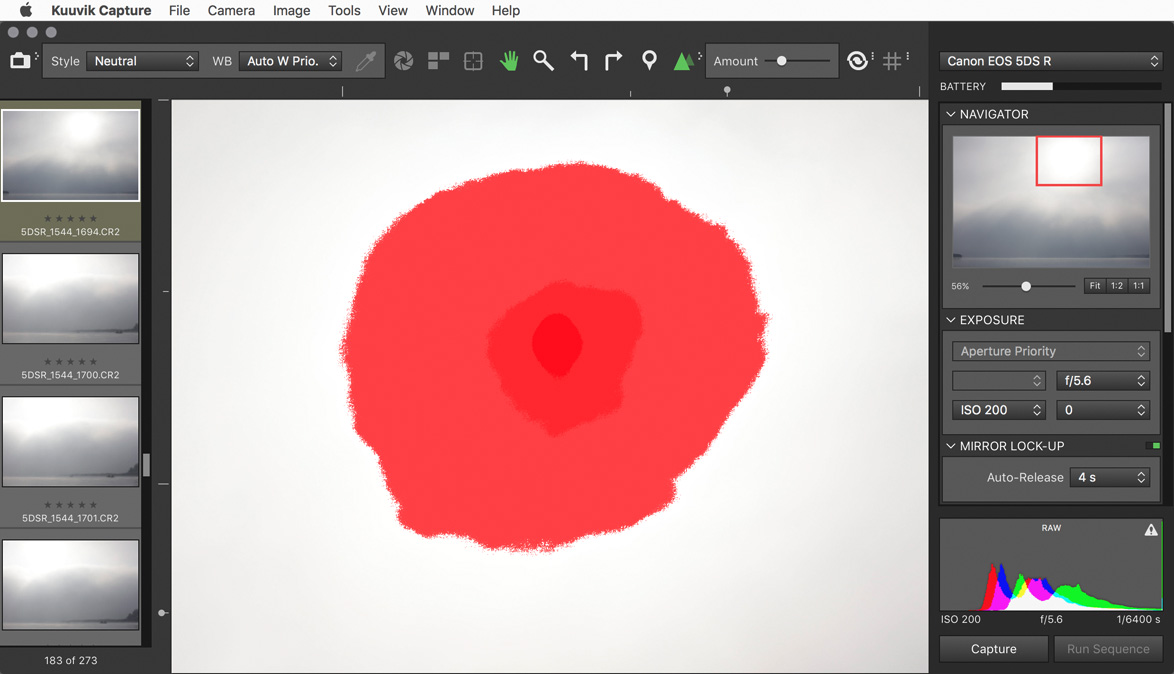
We also changed the way shadow and highlight clipping warnings look. In the past we had a hatched pattern that become denser as more channels got outside the exposure range of the camera. The problem was severe moiré and aliasing when you zoomed in and out. Beginning this version the exposure warnings are solid colored, getting more opaque as more channels are affected.

Multi-channel highlight clipping warning

This is an image from last fall, and shows how channels get clipped towards the sun in the frame. First green (the largest patch), then blue and finally red. The more channels are overexposed the less chance to do effective highlight recovery.

Last but not least, I’ve continued the multi-platform code removal process (mentioned in my former post), which brings performance improvements (and battery usage improvements) here and there. For example loading 20 megapixel images from the 7D Mark II got up to 0.1 seconds faster on a 11″ MacBook Air. And overall camera communication is a bit faster and smoother.

The update is free for existing Kuuvik Capture 2 customers. New users can download Kuuvik Capture 2 from the Mac App Store.

For more information about the app, please visit it’s microsite, or check out my posts.