Mark II Artist’s Viewfinder 7.6 Released

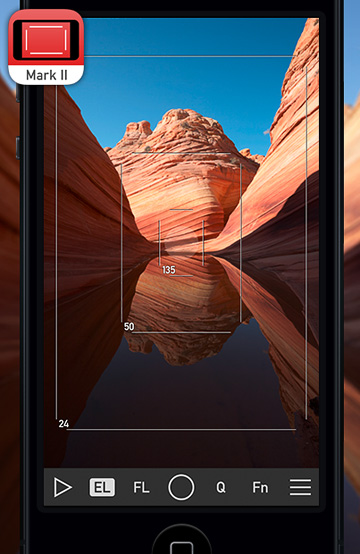
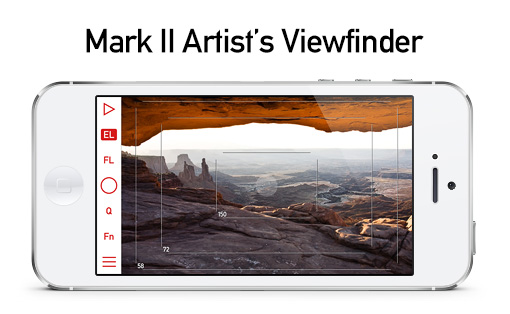
Version 7.6 of the Mark II Artist’s Viewfinder had been released about a month ago. It brings the usual updates for supporting new devices and new operating systems.

My previous post on Technical Camera updates – with the exception of highlight alert changes – also applies to Viewfinder.

But this time I’m bringing some sad news as well.

ALPA eFinder II Is No More

You may have noticed that we put eFinder II updates on hold about a year ago: we were waiting for ALPA to decide whether they are still interested in providing funds for the development of the ALPA-branded variant of our Viewfinder app.

The decision had been made recently: the ALPA eFinder II app is now officially discontinued and had been permanently removed from the App Store.

Important to note that this does not affect the ALPA eFinder Tools included in the Mark II Artist’s Viewfinder: the 3D level and the parallax/shift correction tool. These tools, or some variants of them, will continue to be available in the Viewfinder app for the foreseeable future.

Technical Camera 2.6 : Ultra Wide Zooming, Camera Button, Highlight Alert

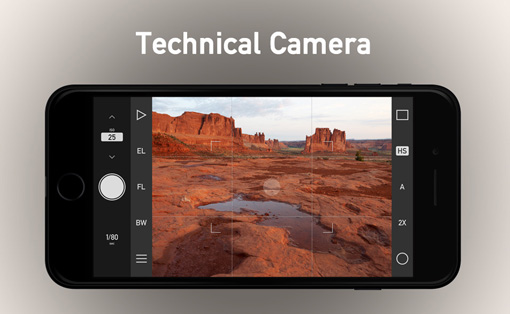
The latest update to our Technical Camera app had been released about a month ago. Besides the usual device support updates (for new iPhones and iPads) and iOS 18 related stuff (dark mode icons and so on), there are a couple of things I’d like to talk about.

Ultra Wide Zooming

We use our own ultra wide camera distortion correction solution as it is far superior to Apple’s built in correction. For one, it allows precise simulation required in the Mark II Artist’s Viewfinder, and is behind the Framing Previsor in Tech Camera.

There is one limitation with the better correction, however: if the device’s ultra wide camera is way too distorted, then we can’t do the correction when one zooms in.

Fortunately the latest incarnation of Apple’s ultra wide cameras (in the iPhone 14 Pro, 14 Pro Max, 15 Pro, 15 Pro Max, 16, 16 Plus, 16 Pro and 16 Pro Max) are much better in this regard and thus we can do distortion correction when you zoom in.

Given the very short minimum focusing distance of these ultra wide cameras, this makes a formidable macro shooting solution.

Note however, that zooming is only available with JPG captures. For RAWs, you’ll have to crop afterwards manually.

Camera and Action Button Support

iPhone 16 models introduced the Camera button, which I honestly regard as a marketing gimmick. It reminds me of the Canon EOS R’s ill-designed touch bar… Since we have much better user interface solutions for camera control than this, we are not going to support it except for one thing: capturing images.

Speaking of initiating captures with hardware buttons, if you run iOS 17.2 or later, the Action button can also be used for this purpose. The only requirement is that you must assign the “Open Technical Camera” shortcut to it. But with this assignment, the Action button can be used to launch the app, and subsequently take pictures – without lifting your finger from the button. Pretty neat.

Highlight Alert Adjustment

There is a significant step back with recent iOS versions regarding non-HDR captures: the system lowers the dynamic range by about 10%… For no reason… It just stared to happen with newer iOS versions on more and more devices.

So since this is the new norm, we adjusted the highlight alert’s cutoff point to reflect the lower maximum. It’s sad enough that non-HDR dynamic range is reduced by iOS, but at least you can now see where will the system prematurely blow the highlights.

Capture Button Bonuses

One more thing. There are two minor, but nice things regarding the on-screen capture button. First, it has haptic feedback in case you enabled haptic feedback in both the app’s menu and on your phone in general.

Plus, try what happens if you disable Other Sounds in the app’s menu! Yes, you no longer have to put your phone or iPad into silent mode to avoid the ugly iOS shutter sound. Well, unless you live in Japan, where this feature is not available.

Technical Camera 2.2 Released

The latest update to my Technical Camera app is now available on the App Store.

Just like in case of the Mark II Artist’s Viewfinder, it concludes the fall release cycle for the app, adding iOS/iPadOS 16 and new device support.

But there’s more that makes using Technical Camera faster and more efficient.

First, the app now returns to shooting when you switch to it, closing any screens that you may have left open the last time you used the app. This stems from my own usage pattern, where I tend to put the app into the background with an album page open. In the past I subsequently cursed the developer that I have to manually close the damn album when I want to shoot immediately.

But we don’t pull the rug from under your feet – don’t close the screen – when you’re doing any of the following: creating and configuring an album, editing copyright information or navigating with the album’s map.

Second, you can now close camera and screen options by tapping their gray background.

And last but not least, when you are in the album browser, tapping the album’s name lets you change the current album with no need to close the album screen, go into the menu to do the change, and navigate back.

You can check out what’s new this year’s 2.x versions in the release notes.

The update is free for existing users.

Viewfinder 7.2 Concludes the Fall Update Cycle

Each fall Apple releases new devices and operating systems that we have to add support for.

This year was no different, except that iOS/iPadOS 16 has changed some of the fundamental parts of the OS (device rotation support, to be exact), which caused some extra headache. We’ve started to roll out changes in September, and now the app is considered to be complete in this regard.

As you can see in the release notes, new device support was also added to support all models in this year’s iPhone 14 series – both in terms of new screen sizes and camera profiles.

Speaking of the latter, Apple screwed up iOS provided angle of views big time for the Pro phones, but fortunately we don’t trust their data (which is usually off by up to 10-15%) and our profiles are precise as usual.

Sadly, there’s one more iOS bug that you should be aware of when updating any of our apps this fall: the OS may fail to properly close the app before updating it, and subsequently, not knowing which one to run, greets users with a pitch black screen. The fix is quite easy: force quit and restart the app (both copies) to wipe corrupted state information. See our knowledge base article for detailed instructions.

We’ve added support for 20 new cameras this fall, a bunch of lenses, and new aspect ratios that users requested.

The Mark II Artist’s Viewfinder 7.2 update is free for existing users and is available on the App Store.

Improved Wi-Fi Pairing in ShutterCount and Kuuvik Capture

The recently released Kuuvik Capture 6 and ShutterCount 6 brings a very convenient feature for those who use both apps on the same Mac or iOS device with Wi-Fi connection to a Canon camera.

Previously only the Mac’s/iPhone’s/iPad’s name was programmed into the camera’s menu by default, and in case you used multiple wireless tethering apps with the same camera, you had to manually edit the names to be able to distinguish between the apps.

Now we prefix the device’s name with an app identifier. Kuuvik Capture is referred to as “KC”, ShutterCount as “SC” and ShutterCount Pro as “SCP”.

App and device names as programmed into the camera’s menu by our apps.

These names are generated and programmed into the camera’s menu during the pairing process, but as always, you can change them in the camera afterwards.

Kuuvik Capture 6 and ShutterCount 6 are available for your Mac and mobile device in the respective App Store. These updates are free for existing ShutterCount (all versions) and Kuuvik Capture (5.0 or later) customers.

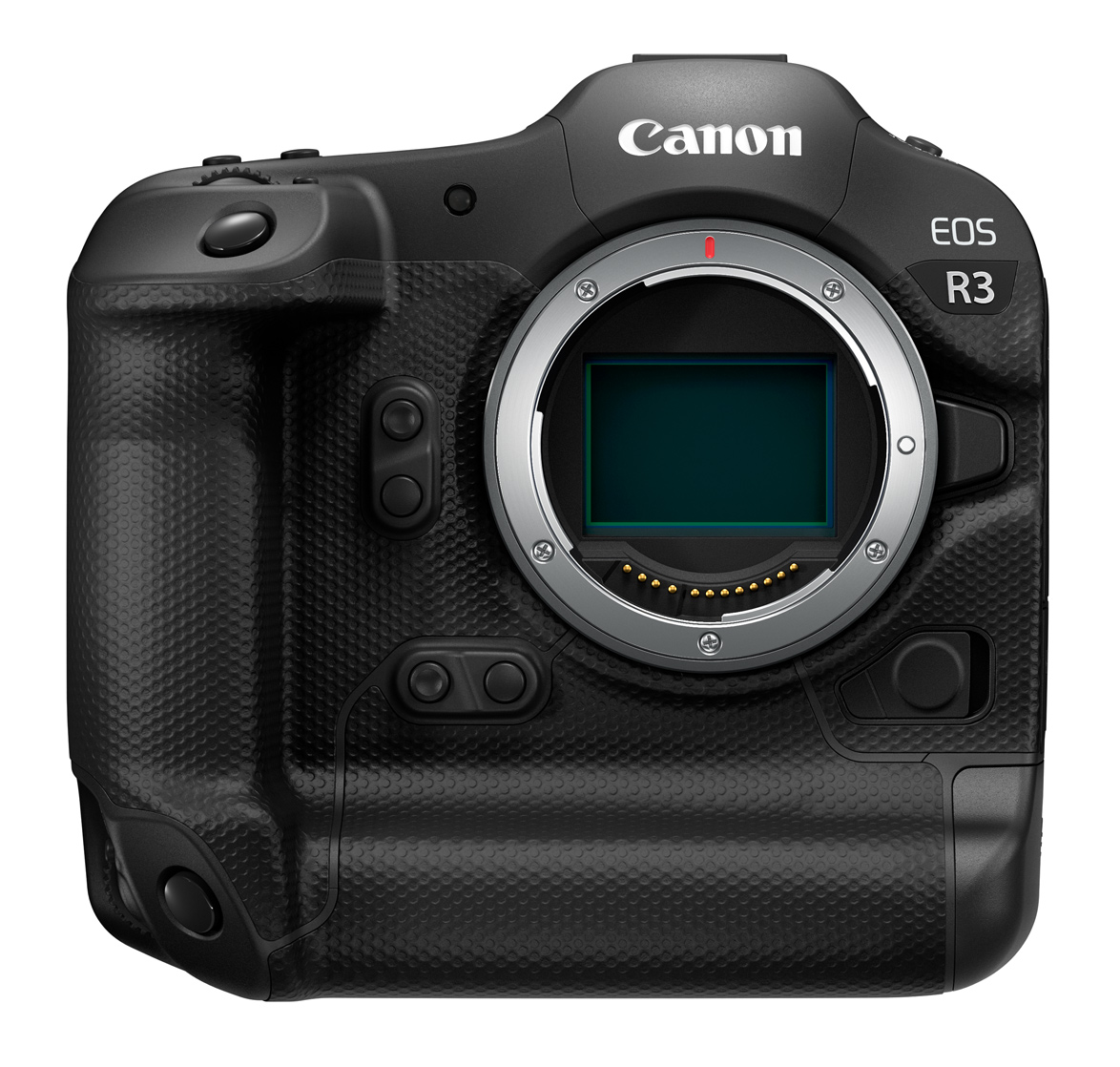
Canon EOS R3 is Supported in ShutterCount and Kuuvik Capture

I’ve been silent on this site for the last ten months. Suing Apple, developing exciting new features (that were released but I haven’t posted about), stealing a few hours for my knife hobby, and actually making some great images were what I spent most of my time on. Now I’m back, with some cool news to share.

Canon CPS was finally able to deliver our rental R3 (pretty much first in the country), so we did add support for the camera both in ShutterCount and Kuuvik Capture.

I haven’t purchased one for myself as I didn’t see any compelling reason to do so. This feeling was reinforced during the rental as I tried the camera for actual bird photography. I’m not going to replace my trusty 1D-X Mark III (or any DSLR for that matter) with the R3. But that is another story…

The camera’s firmware has a lot in common with the R5, R6 and 1D-X Mark III – including bugs and dumb solutions. So in Kuuvik Capture we had to apply the usual set of workarounds to shield you from the crap. For example our depth-of-field preview handling technique (disabling it when you move around in magnified live view, but restoring it automatically when you move to a marker) also applies here.

Note that you will have to upgrade your R3’s firmware to 1.1.1 or later to be able to use it with the app.

ShutterCount‘s support for the camera had also been elevated from basic to complete. The mechanical-only counter is now the default to be in sync with what you see in the camera’s menu, but the app also shows the electronic counter on the Distribution Chart. All extra features – like shutter life prediction, outdated firmware warning and the Network Connection Cheat Sheet in the Wizard – are available for the R3 as well.

Kuuvik Capture 5.9 and ShutterCount 5.1 are available for your Mac and mobile device in the respective App Store. These updates are free for existing customers.