Glacier Hiding

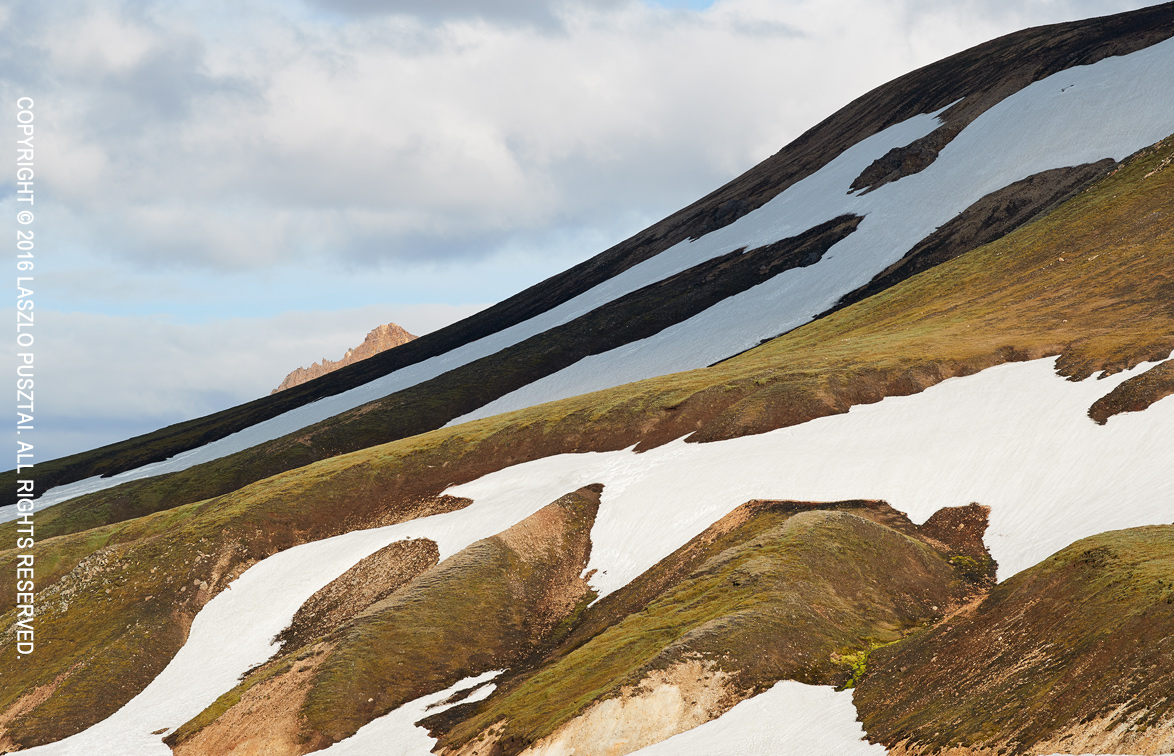
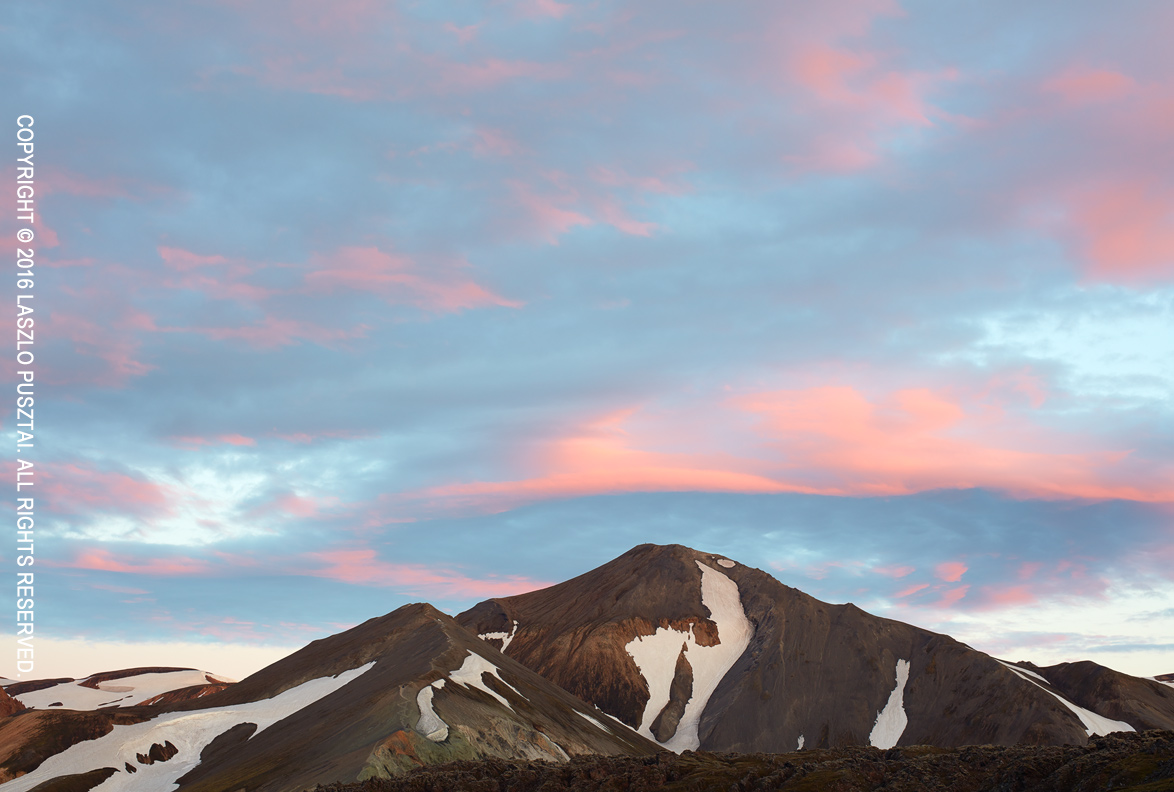
Glaciers are almost always surrounded by clouds. Is it because the water vapor entering the air when ice melts? I think so. Nevertheless, parts of the mountains and ice revealed though holes in the clouds look mysterious and majestic at the same time.

This glacier lies some 20 minutes walk from the parking lot. Guess what? No tourists. This tells a lot about the contemporary tourism in Iceland. But I’m glad that we were finally alone.

Glacier Hiding

Glacier Hiding

Photographed with the Canon 5DS R and the Zeiss Apo Sonnar T* 2/135 using Kuuvik Capture. Yes, I lug a heavy backpack, a tripod and a 11″ MacBook Air with me all the time. Even if it’s a few kilometers walk. But since setting up a shot takes several minutes, it’s a must to pre-visualize what I’m going to do. Fortunately I have an app for that: the Mark II Artist’s Viewfinder.

Cloudy Highland Evening

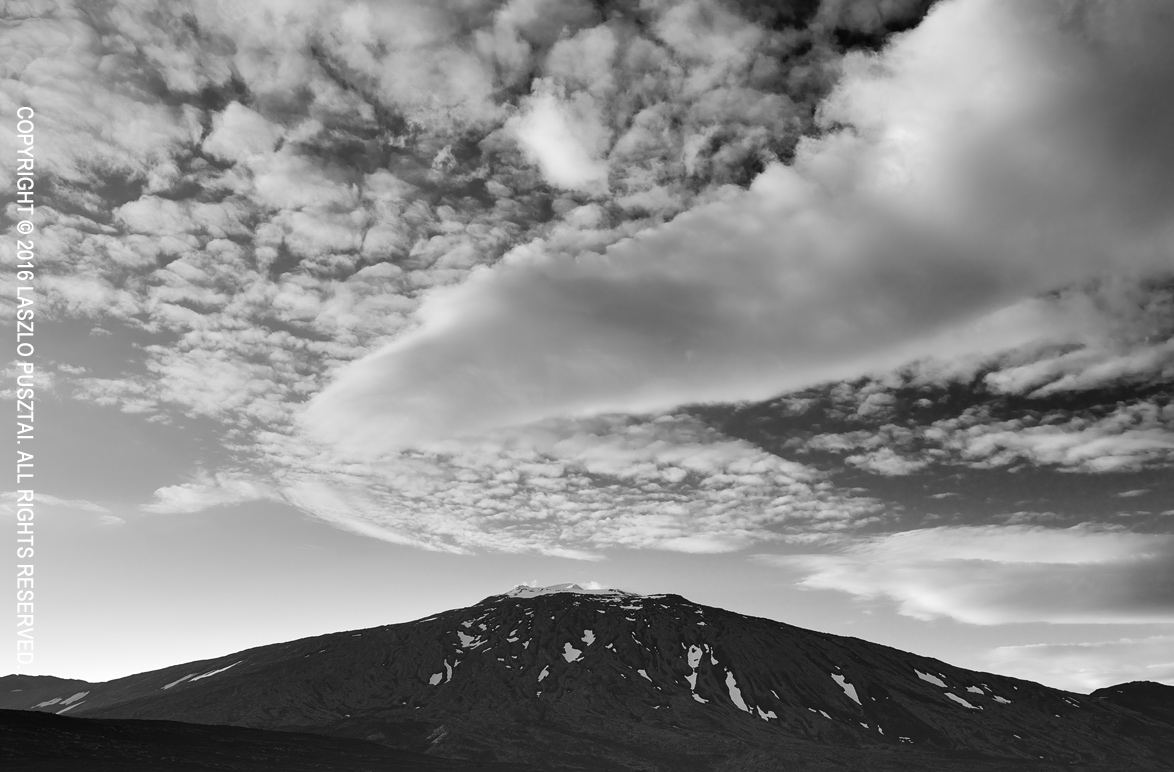
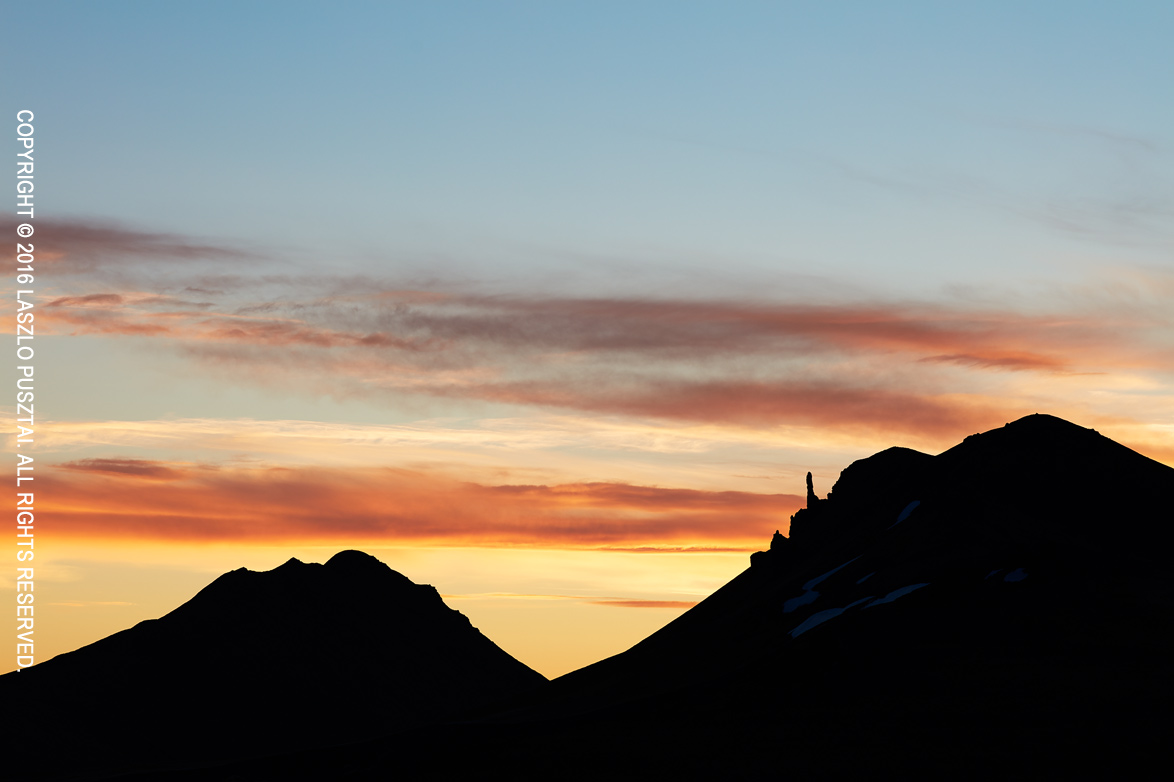
Weather is ever changing in Iceland. The forecast said partly cloudy (my favorite) for the highlands, but during the two hours it takes to drive from Reykjavík to the southern end of Kjalvegur it had changed completely. So much that we had two drive literally in the clouds on the way back. Fortunately the cloudy weather combined with the rugged mountains could present some great photographic opportunities.

Cloudy Highland Evening

Cloudy Highland Evening

These kind of images with huge open sky over the landscape work really well with the immense resolution the Canon 5DS R and the Zeiss Otus 1.4/55 can deliver. Especially when printed large. While the eye can explore pleasing detail in the mountains, the large sky improves the feeling of being there. This is something I was unable to achieve with lower resolution images.

It was quite windy out there, so initial composition was made with the Mark II Artist’s Viewfinder from the comfort of the car. Focusing and exposure was done with Kuuvik Capture, and the car was used as a wind breaker. But despite this, I had to make several exposures since the fluctuating air can reduce sharpness when photographing distant objects with such a high resolution equipment.

Yet Another Puffin Portrait

I can’t help it – I like to shoot puffin portraits. Over time you see so many different faces, different personalities, different, but untold stories. The image below is one of my all time favorites.

It was shot at Látrabjarg, and I was quite shocked how much the bird colony shrunk during the last decade. And again, lots of people everywhere. Interestingly, tourists tend to cluster in all the wrong places – I was completely alone with 5-6 birds for an hour or so. In ideal light, ideal angle, ideal background. But this place was not marked with a “Lay here to photograph the birds” sign…

Yet Another Puffin Portrait

Yet Another Puffin Portrait

Shot with the Canon 1D X Mark II and 500mm f/4L IS II lens plus the 2x III teleconverter. It’s amazing how clear this ISO 1600 image is – not to mention the lovely colors.

Geysir – In a Different Way

I prefer to be alone (or with a few friends at most) when photographing. Which gets increasingly hard in Iceland. The number of tourists had already reached questionable levels, and the vast, empty land, one that you can roam for days without bumping to anyone seems to be a thing of the past. This really depresses me, so I might dedicate an entire post for the issue someday.

But a short-term mitigation is to go away from the crowd, simply acknowledging that some beauties of the country had been lost, and try to find those that escape the attention of the selfie-stick wielding masses.

Case in point. We spent the better part of the dawn at Geysir after the coolant leak discovery, and despite the early time of the day, quite a few real photographers (you know, the tripod-carrying type) and a dozen selfie-stick knights were surrounding Strokkur (the geyser that erupts every 10 minutes or so). So I walked around the colorful pools on the hillside, and wandered towards the geyser after which all other geysers in the world are named: Geysir. I’ve seen it erupting once 10 years ago, so who knows.

Geysír is Silent Now

Geysir is Silent Now

There was no eruption this time, but found something, a hidden treasure, that all others there at that morning blissfully ignored. It was kind of funny to see that I’m aiming my camera at the exact opposite direction of everyone else, a good 50m from the crowd… Maybe this is the key to survive photographically at this place at this time.

At the end, I’m very happy with this image of the sleeping giant. Made with the Canon 5DS R and Zeiss Apo Sonnar T* 2/135. Composition and focusing done in Kuuvik Capture.

Custom Wide Converters in Viewfinder 4.7

My Mark II Artist’s Viewfinder app has a unique feature from day one. Something that no competitor managed to copy: real-time distortion correction for wide converter lenses. In the past distortion correction was available through the profiles we made for all the wide converter and device combinations the app supports. Creating these profiles involves tedious measurements, and of course a purchase of each and every converter lens and iPhone/iPad we support.

The profile approach was good a few years ago with a limited set of converters on the market, but these days you can find at least a dozen different converter lenses at online retailers. This, together with the product lineup splits Apple already implemented with the Plus phones and Pro iPads, renders the previous modus operandi financially unsustainable.

So we decided to address this situation in a way that is beneficial for both our users as well ourselves: by allowing users to create a custom wide converter. And of course we do support simple distortion correction with this! Being a simple correction, it does not always produce the almost perfect results the profile-based approach is capable of, but as you’ll se in the examples later on, very capable nevertheless.

We’ll continue to support the profile-based approach for existing combinations, but will add new profiles only if:

  • we already have the converter and the device in the lab, or
  • we receive several customer requests to support a converter – as it was the case with the Moment Wide lens, or
  • we cooperate with the converter’s manufacturer.

OK, with all that said, let’s see how it works. Once you select Custom for the wide converter, a new menu item – Custom Converter Setup – will appear on the menu.

cwc-setupTapping it will bring up the converter setup screen that you can see on the left.

You can set the converter lens’ actual conversion factor with the first slider. Since this is almost always different from what the manufacturer says, you’ll definitely need to fine tune it for your actual phone (since the conversion factor also depends on the phone’s lens as well as the distortion correction amount – be prepared for a little trial and error). We support converters with factors between 0.45 and 0.7.

The second slider is used to specify how much distortion the converter lens has. It is an arbitrary scale from 0 to 30, zero meaning that you will not want to correct the distortion (suitable for well-corrected lenses such as the Moment Wide).

The setup procedure

Here’s how I recommend to do the setup. Set distortion correction first (if needed at all). I’d recommend 15 as the starting point for 0.65x-class lenses and 20 for 0.5x-class lenses. Check how the main screen looks, and watch for overcorrection in the corners. In case you still have barrel distortion, go back to the menu, and increase correction. If the corners are overcorrected, back off a little. A tiled wall, a window or a tall building are good test targets.

Once you’re happy with the correction, mount the phone steadily, turn off Wide Mode, and set the main screen so that you have some objects or markings at the edges of frame lines. Now turn on Wide Mode and check whether the objects/markings are still at the frame lines. Go into the menu and adjust the conversion factor if not. Repeat until you are satisfied with the result.

You can create only one custom wide converter, so it is advised to take note of the parameters in case you need to restore them later.

Correction examples

Walked up to Hallgrímskirja in Reykjavík to make some examples with my iPhone 6s Plus and two olloclip converters. Here is how the 4-IN-1 Wide lens looks with no correction.

olloclip 4-IN-1 Wide on iPhone 6s Plus - No Distortion Correction

olloclip 4-IN-1 Wide on iPhone 6s Plus – No distortion correction

As you can see below, this lens has a simple spherical distortion, which can be corrected almost perfectly with the custom converter setup. My experience is that most 0.65x lenses behave the same way and would only marginally benefit from a profile. Note that I set the conversion factor ad-hoc in these examples, so you may see some discrepancy in frame line positions.

olloclip 4-IN-1 Wide on iPhone 6s Plus - Custom wide converter with distortion setting 13

olloclip 4-IN-1 Wide on iPhone 6s Plus – Custom wide converter with distortion setting 13

Now to the olloclip Ultra Wide. Distortion is huge, and without correction renders the lens pretty much unusable for viewfinder purposes.

olloclip Active Ultra Wide on iPhone 6s Plus - No distortion correction

olloclip Active Ultra Wide on iPhone 6s Plus – No distortion correction

And this is how it looks with the custom wide converter’s correction. You see some mustache-like corners as the simple correction is not able to eliminate complex distortions (which profiles can do), but the lens becomes usable.

olloclip Active Ultra Wide on iPhone 6s Plus - Custom wide converter with distortion setting 22

olloclip Active Ultra Wide on iPhone 6s Plus – Custom wide converter with distortion setting 22

Just like with profiles, the simple distortion correction works only with wide and ultra wide lenses – not with fisheyes.

When will this be available? The feature is currently in testing in version 4.7, and is planned to be released later this summer. In the meantime, comments are welcome.

The updated app is now available for download.

Timeless Mountains

Mountains exist on a different time scale than we humans live our fleeting lives. Only if they could tell all those things they witnessed. Maybe that would be too much beauty and too much horror for us, and it’s better that they silently keep the planet’s secrets.

Timeless Mountains

Timeless Mountains

I wanted to wash away the lovely clouds to amplify the sense of timelessness, so I used a total of 16 stops of ND filtering: a LEE Big Stopper and a LEE Little Stopper stacked together (and sealed on the edge with gaffer tape to avoid light leaks and hot spots). It was a long trial and error to get enough sunlight on the mountain with the quickly changing cloud layers casting unwanted shadows here and there. I played for almost an hour, and the above image is the best one.

Taken with the Canon 5DS R and Zeiss Otus 1.4/28. Kuuvik Capture was used to control the long exposures.